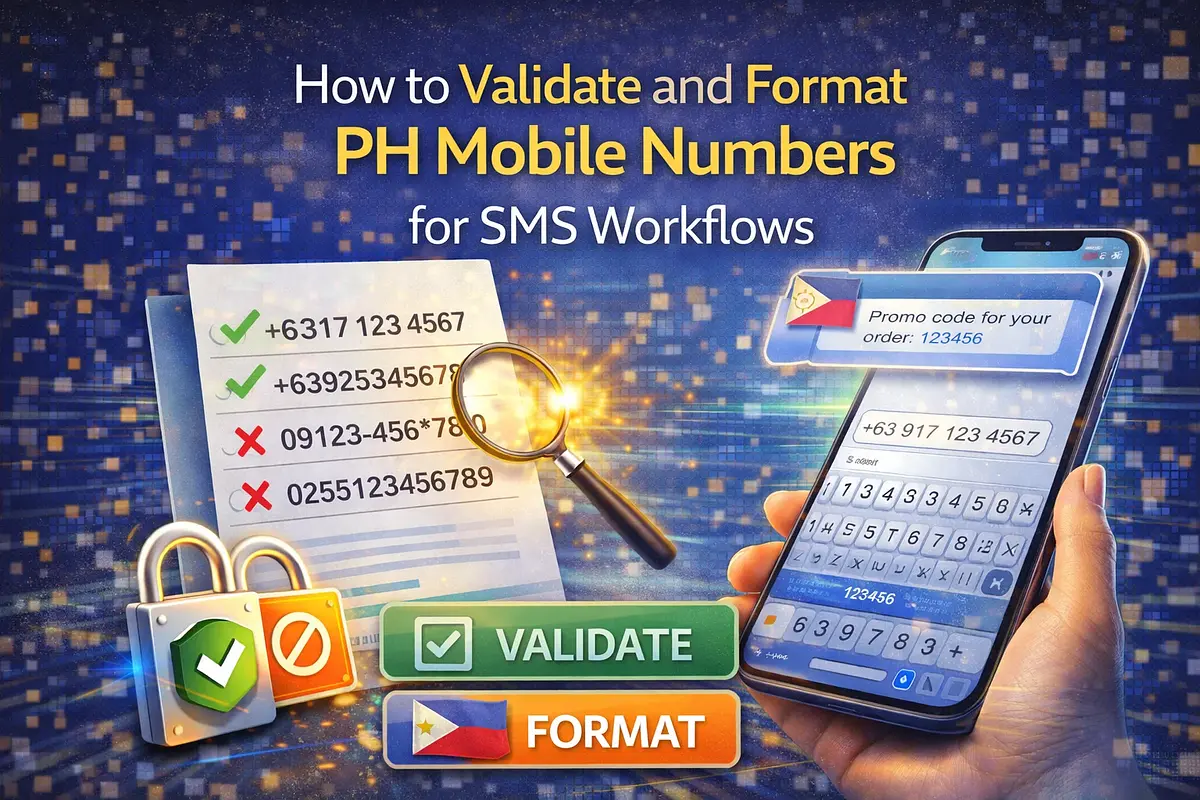
A practical workflow for validating Philippine mobile numbers, normalizing to +63/09 formats, removing duplicates, and preparing clean SMS lists.
Sending to invalid numbers causes delivery failures, wasted credits, and unreliable reporting. Before OTP, alerts, or campaigns, teams need a consistent format and a clean number list.
IPROG TECH now has a PH Mobile Number Validator / Formatter for this workflow. Try the tool here: PH Mobile Number Validator / Formatter
Why Number Normalization Matters
In real operations, the same number appears in different formats:
- 09171234567
- 9171234567
- 639171234567
- +639171234567
If these are not normalized first, teams may:
- Send duplicates to the same recipient
- Mark valid records as invalid due to format mismatch
- Break integrations that require strict E.164 format
What The Tool Does
The current tool helps you:
- Validate PH mobile number structure
- Normalize numbers to +63, 09, or 63 output format
- Detect duplicates after normalization
- Copy valid outputs or export CSV results
Practical Workflow
A clean sequence:
- 1Paste numbers from CRM, form exports, or spreadsheets
- 2Choose output format for your target system
- 3Enable duplicate removal for cleaner send lists
- 4Run validation and review invalid/duplicate rows
- 5Export validated results
When To Use Each Output Format
- +63XXXXXXXXXX: best for APIs and global-standard E.164 workflows
- 09XXXXXXXXX: useful for local-facing UI or legacy local storage
- 63XXXXXXXXXX: useful for systems that require country code without plus sign
Common Validation Failures
Typical issues include:
- Wrong country code
- Invalid prefix
- Incorrect digit length
- Non-numeric characters mixed into raw input
Combine With Csv Cleaning
If your source is a raw spreadsheet export, clean it first with: CSV Cleaner / Formatter
Then validate and normalize mobile numbers before SMS sending.
Conclusion
Number validation should be a standard pre-send step for any SMS workflow. Consistent formatting improves delivery quality, reporting accuracy, and list hygiene.
Tool link: Open PH Mobile Number Validator / Formatter